A beautiful clock,
always in sight
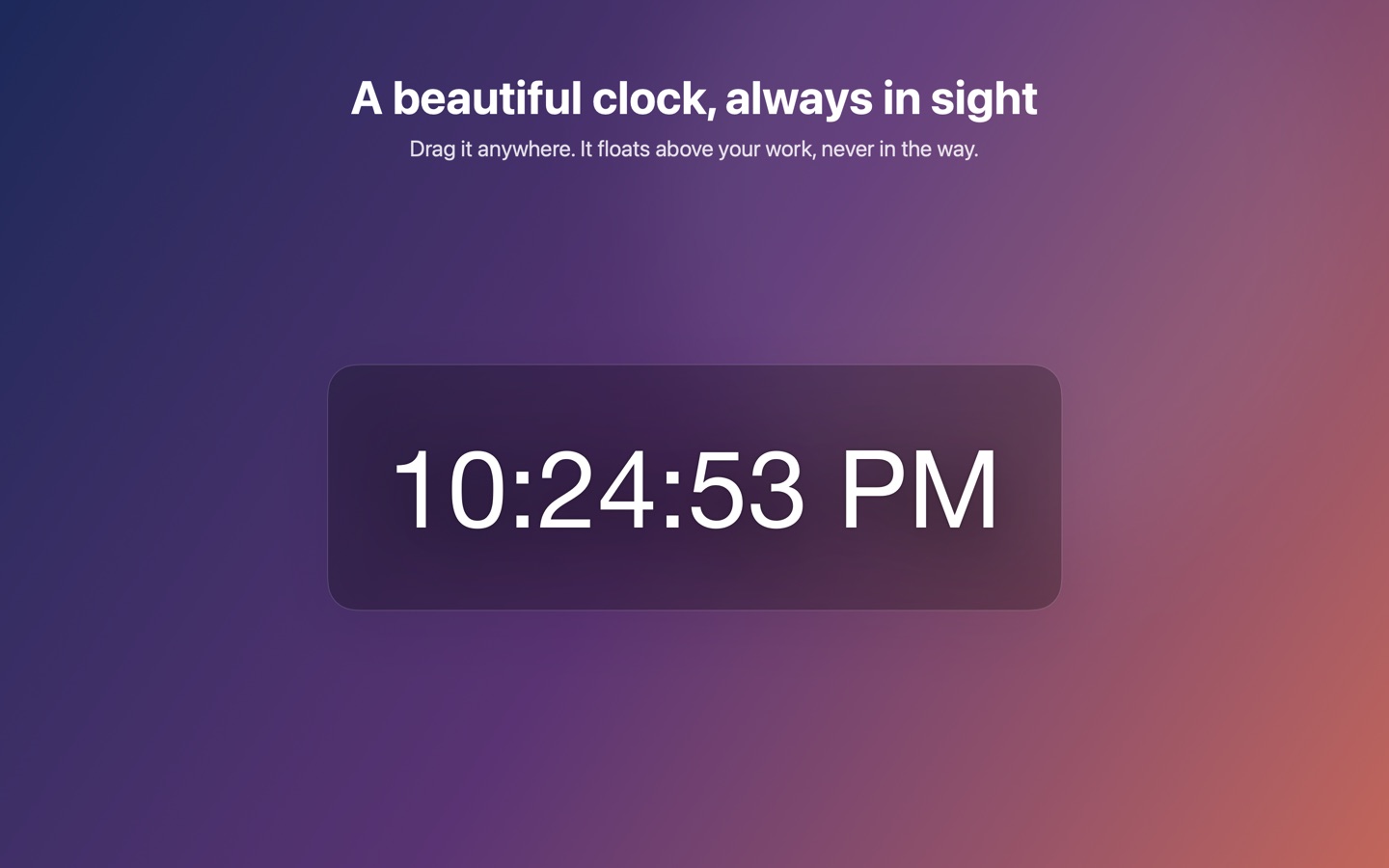
Simple Desktop Clock floats on your desktop, stays out of the way, and looks the way you want it to.

Free. Pro features are a one-time purchase, no subscription.
What it does
Everything below is free.
Floats anywhere
Drag it where you like. It stays above your work and remembers its place between sessions.
Yours to style
Font, size, color and opacity. 12-hour or 24-hour time, with or without seconds.
Countdown timers
1 to 60 minutes from the menu bar, with a sound and a notification when time is up.
Out of the way
Lives in the menu bar. No Dock icon, no extra windows, no account to create.
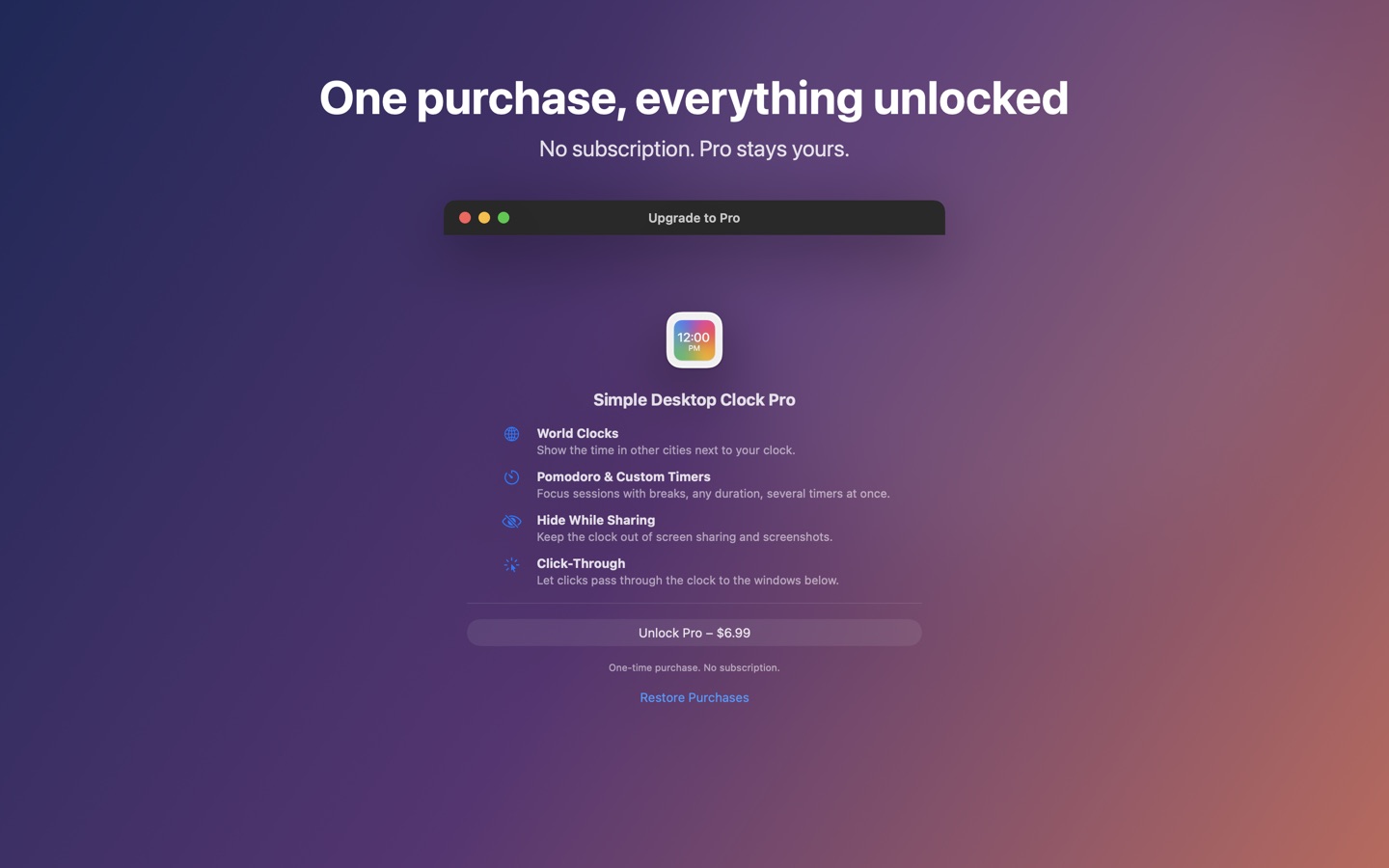
Simple Desktop Clock Pro
One purchase unlocks everything below. No subscription.
World clocks
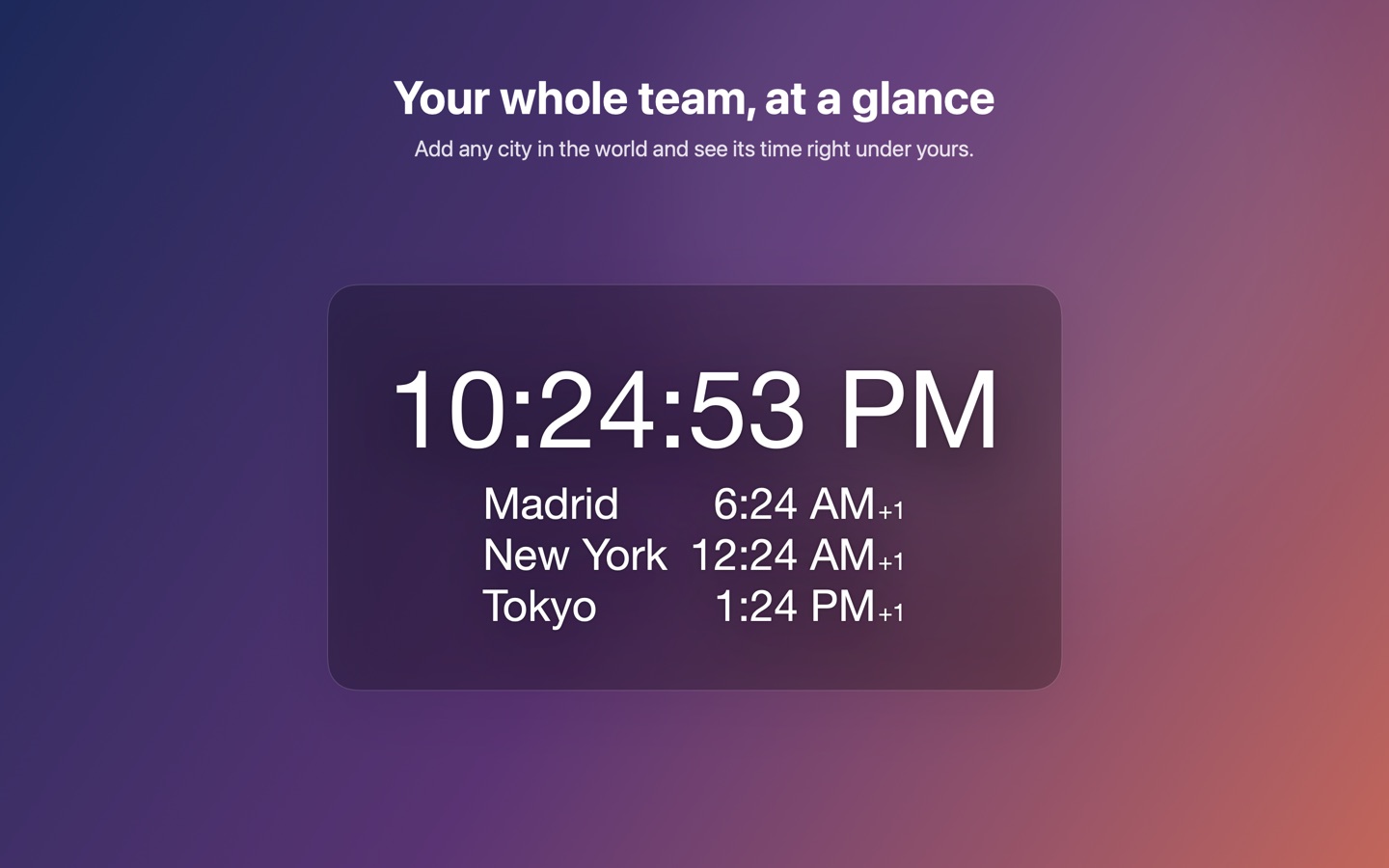
Add any city and see its time right under yours, with a marker when it is already tomorrow there.
Pomodoro and multiple timers
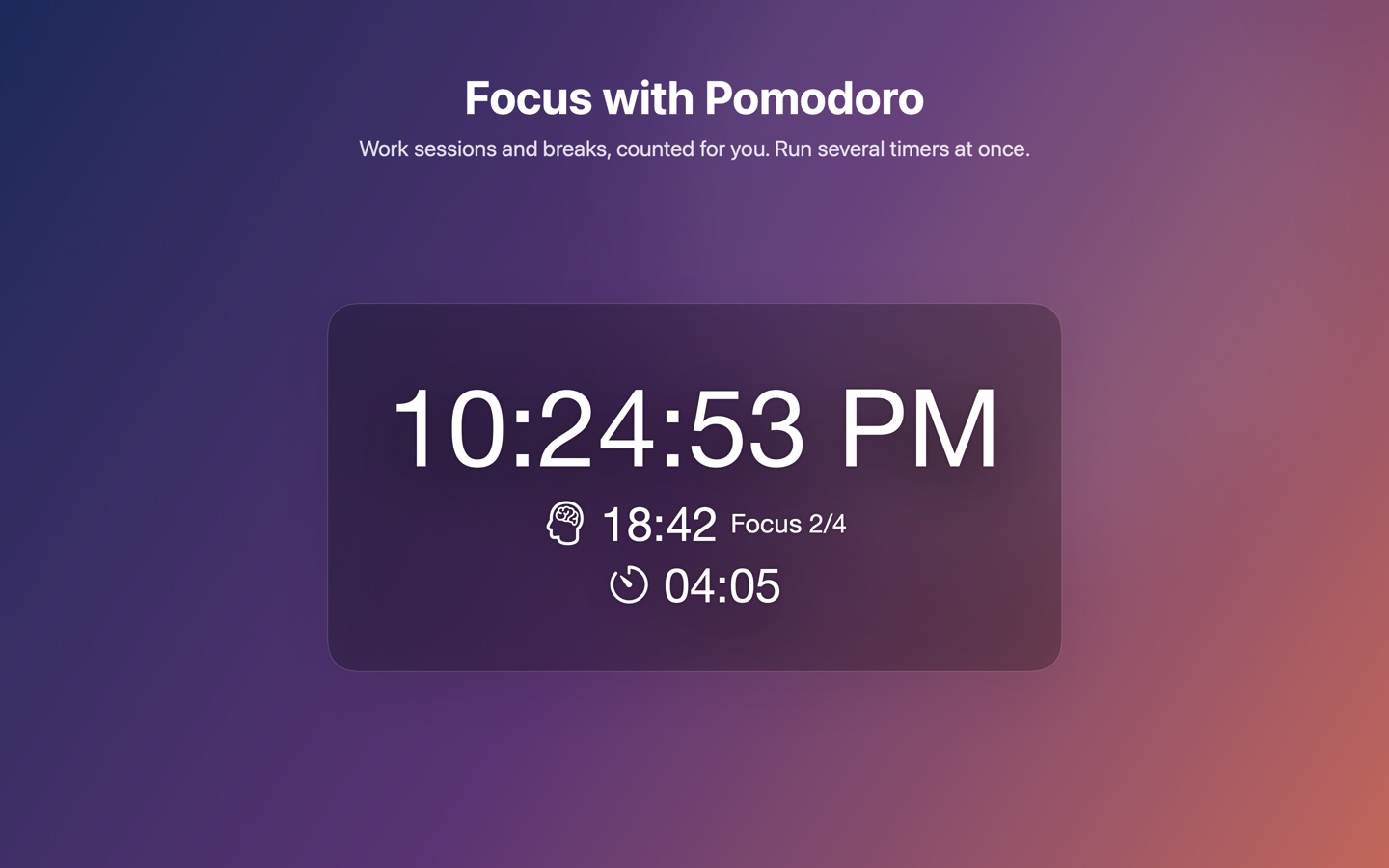
Focus sessions and breaks with your own durations, counted for you. Run up to five timers side by side, of any length.
Every font on your Mac
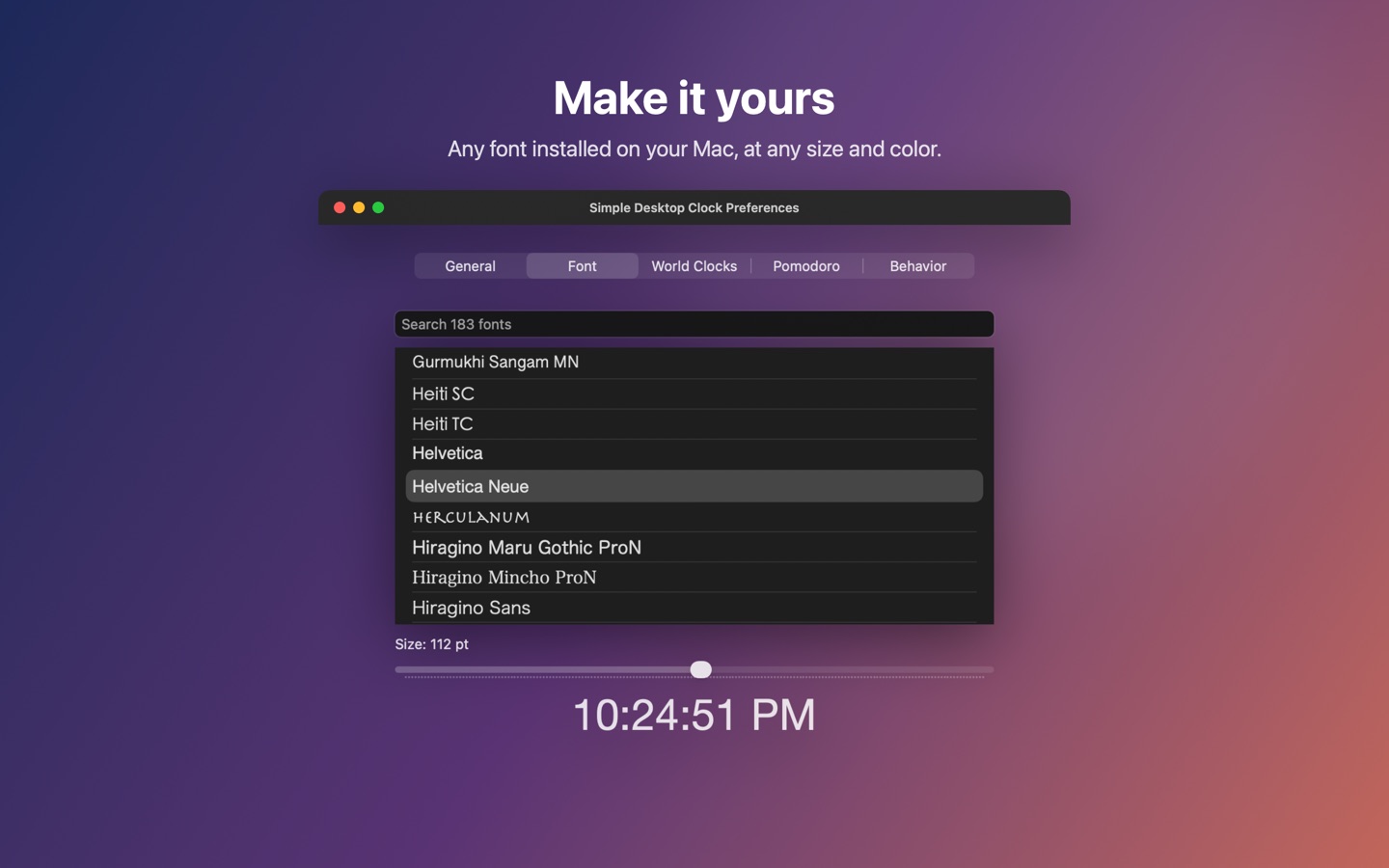
Browse the whole font library with a live preview, and set any size you want.
Made for calls and focus
Hide the clock while screen sharing or taking screenshots, let clicks pass through it, or keep it away from full-screen apps.
Get it
Requires macOS 14 Sonoma or later.